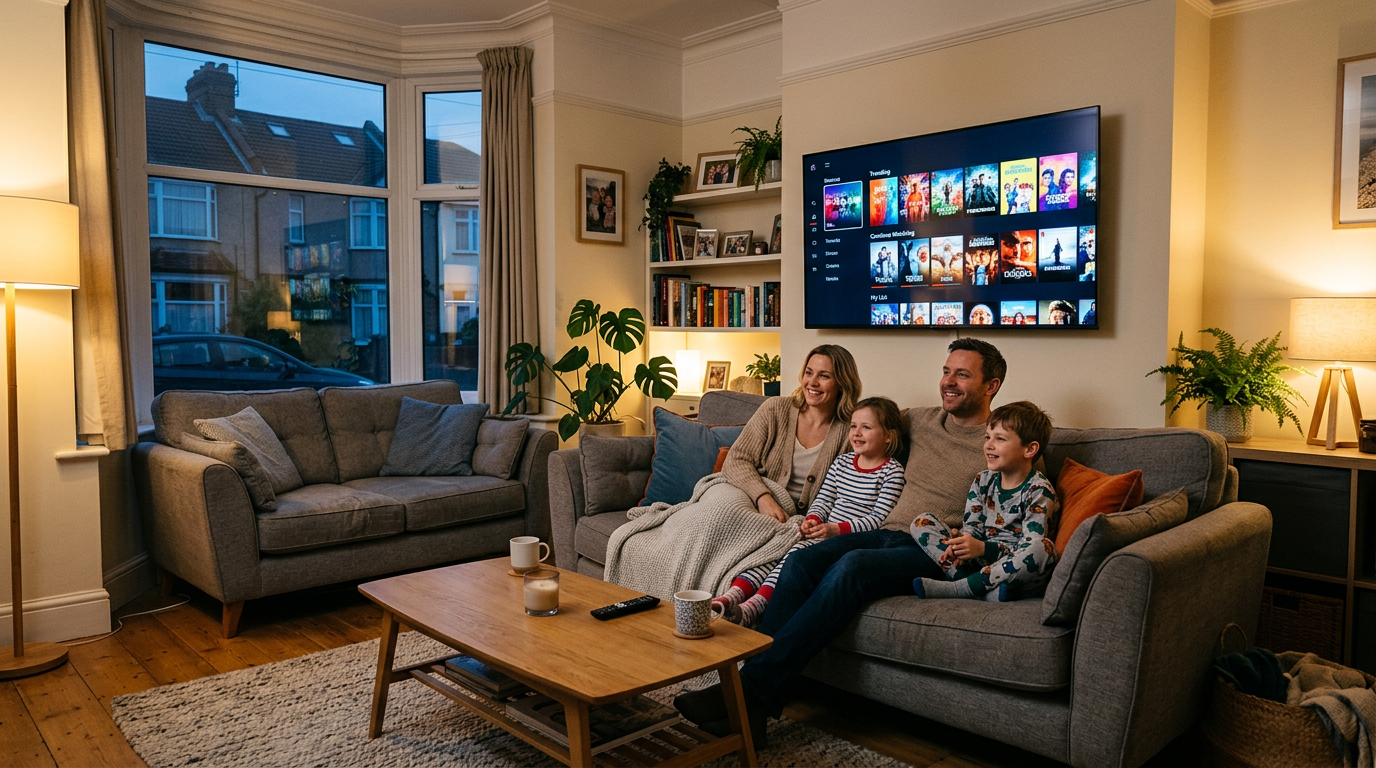
Families adopting IPTV in the UK often ask how to mirror the safeguards they had on traditional platforms. No single toggle replaces good habits, but you can stack several light-touch controls.
App-level protections
Many players support a PIN for settings, category locks, or hidden adult groups. Set the PIN during initial setup—before children learn the remote shortcuts. Create a “kids” favourite group with only approved channels.
Device profiles
On Android TV or Fire TV, use separate profiles where possible so recommended rows and continue-watching lists do not mix adult dramas with children’s cartoons.
Router and DNS filtering (advanced)
Some households add DNS-based filters at the router. This is powerful but can break legitimate services if misconfigured—document any changes so you can roll back.
Open conversation beats perfect tech
Explain that live TV on the internet can surface unexpected thumbnails. A quick family rule—“ask an adult before opening new apps”—goes a long way.
Questions about categories included in IPTV Fast plans? Read the FAQ or message our team.