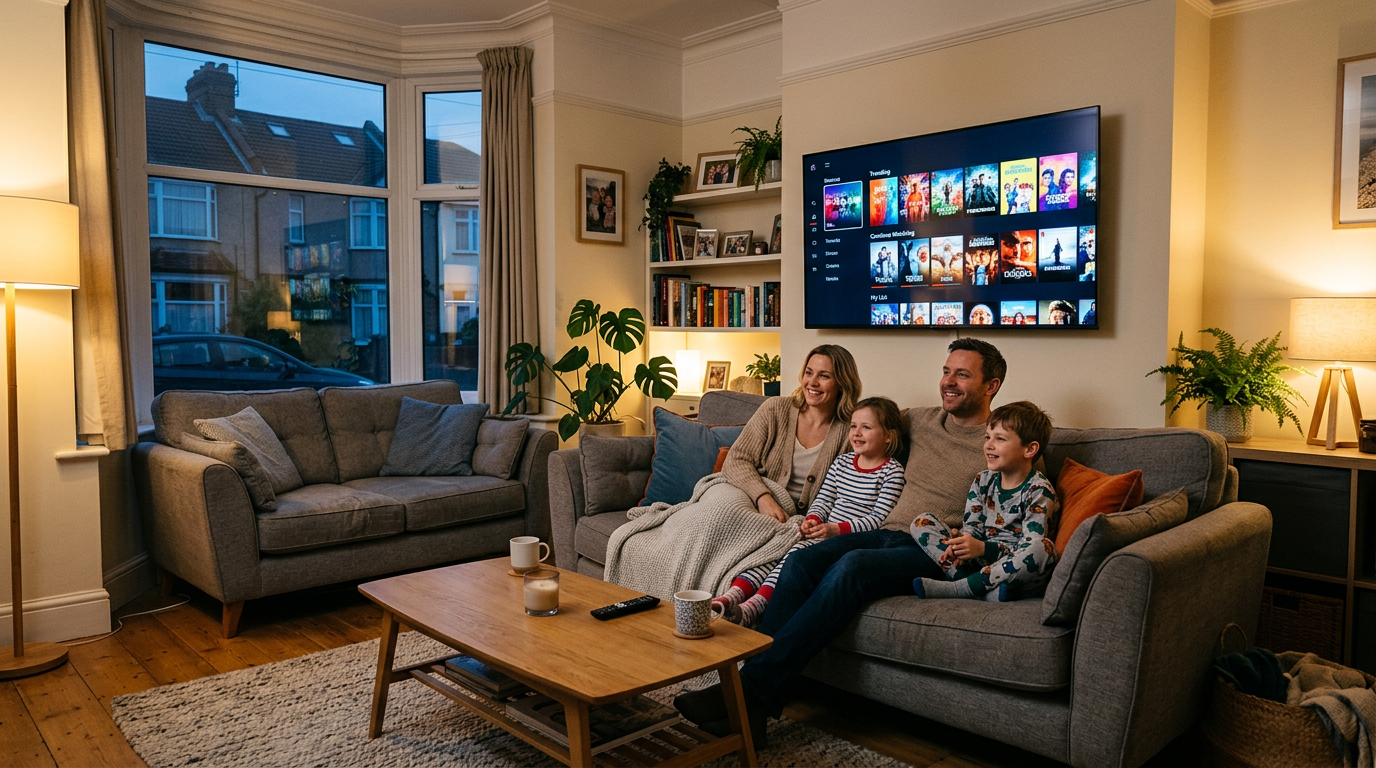
If you are researching UK IPTV for the first time, the terms can feel overwhelming: playlists, apps, credentials, buffers, and devices. This guide explains the basics in plain English so you can make a confident choice—especially if you are comparing subscription plans and want a service that fits how your household watches TV.
What “IPTV” usually means for UK viewers
In everyday language, IPTV (Internet Protocol television) is TV-style content delivered over your broadband instead of a traditional aerial or satellite dish alone. Many UK households use a subscription with login details or a playlist, then open a compatible app on a TV stick, box, or Smart TV.
Devices that work well for IPTV in the UK
- Amazon Fire TV sticks and cubes—popular, affordable, and easy to plug into HDMI.
- Android TV / Google TV boxes and televisions with access to player apps.
- Samsung / LG Smart TVs—sometimes limited to specific apps; check compatibility before you buy.
- Apple TV—fewer native IPTV apps; many users still prefer Android or Fire TV for flexibility.
Network quality matters more than raw speed
You do not always need the fastest package on the market, but you do need a stable connection to your router—especially for live sport. Where possible, use Ethernet for your TV box; if you must use Wi‑Fi, place the router in a clear line of sight and avoid heavy downloads on the same network during peak viewing.
Next steps
When you are ready to go further, follow our setup guide for device-specific steps, or contact IPTV Fast if you want help choosing a plan.